What you get
- Floor layer: every rack of the site in its row, with U used and kW against the rack budget. The import check list adds what NetBox does not model: overweight racks, PDUs or breakers above 80 %, single-corded or same-feed devices, phase balance.
- Power layer: power panels, feeds and PDUs become the one-line diagram with A and B colours. Click a feed, press Fail, and see which racks go dark and which services stop.
- Cabling and Network layers: NetBox cables are routed in 3D through rear managers, trays or under the floor; trace any run. The network topology is laid out from the same cables; fail a switch and see who loses every path.
How to connect
- In NetBox, create an API token for a user with read-only permissions.
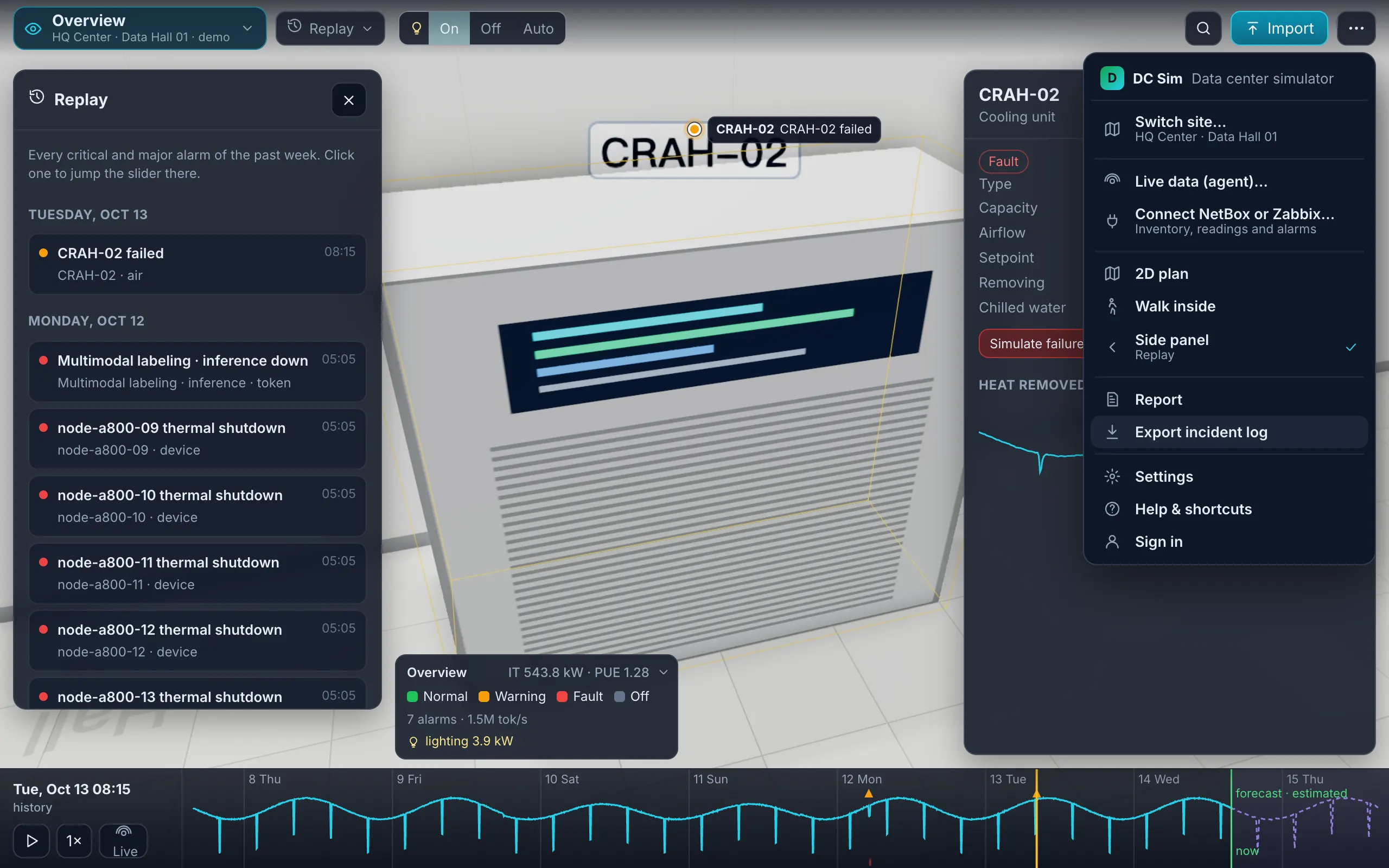
- In DC Sim, open ⋯ → Connect NetBox or Zabbix, choose NetBox, paste the URL and the token, press Test. Test shows the NetBox version and every site with its racks and devices, biggest first.
- Pick the site. Preview shows it as the template sheets (Racks, Devices, Cables, Power, Networks) with the same import report and checks as an Excel upload.
- Import. Re-sync later and you get a change list before anything is applied.
Inside your own network, the same connector runs in the DC Sim agent, which only dials out.
What we read
| NetBox | DC Sim template | Notes |
|---|---|---|
| racks: name, location, height, width | Racks: rack, row, height_u, width_in | location becomes the row; width 10 draws a mini rack |
| devices: name, rack, position, device type, role, serial, tenant | Devices: name, rack, u, model, role, serial, owner | device types matched to the catalog; a device without a rack is kept at its location as an unracked device; blades travel with their chassis |
custom fields warranty_end, runs | Devices: warranty_end, runs | when you keep them |
| power panels and power feeds (primary, redundant) | Power: panels with breakers per feed, A and B | feeds without a rating are flagged in the report |
| PDUs and outlet feed legs | Power rows fed from the cabled feed; Cables: phase | per-phase load and phase balance |
| cables: both ends, type, length and unit, colour, label | Cables: from/to device and port, type, media, length_m, color, label | lengths converted to metres; provider circuits are left out and listed |
| VLANs and prefixes | Networks: vlan, name, purpose, subnet |
The community NetBox device-type library is CC0-licensed and is being added to the DC Sim device catalog, so more and more device types resolve to a real U height, weight and power draw; anything unmatched becomes a plain box tagged “identify later”.
Later
| Item | Status |
|---|---|
| Interface speeds read from NetBox (today: from port names and the catalog) | Roadmap |
| Two-way sync: push a DC Sim design back into NetBox as planned objects | Roadmap |
| A NetBox plugin: “Open in DC Sim” on a rack or device | Roadmap |
Nothing inbound
For a NetBox inside your network, the connector runs in a small agent that dials out over one WebSocket and never listens on a port; batches spool to disk and replay in order if the link drops. The token stays in the agent’s configuration. DC Sim never writes to NetBox.
Which NetBox versions work?
NetBox 3.x and 4.x through the REST API. It was tested against NetBox 4.7 with both the older and the newer token formats.
What credentials does it need?
A NetBox API token for a user with read-only permissions. The token is sent to NetBox only; it is never shown in the browser or stored in a report.
Does it change anything in NetBox?
No. It only reads. Pushing a design back into NetBox as planned objects is on the roadmap and will be opt-in.
My NetBox has many sites. What happens?
Test lists the sites, biggest first, with their rack and device counts. You import one site at a time, because a whole estate is not one room.
Can I still use a CSV export instead?
Yes. NetBox's own CSV exports map onto the template sheets as well; header names are matched with synonyms.
One Excel file. Your room in 3D.
Download the import template (v1.3, nine sheets, only Devices required) and the filled example from our demo hall. No form, no email needed, no macros in the files.
Fill in the Devices sheet and send it with your walkthrough request; we import it on the call. What each sheet does