

The sample twin
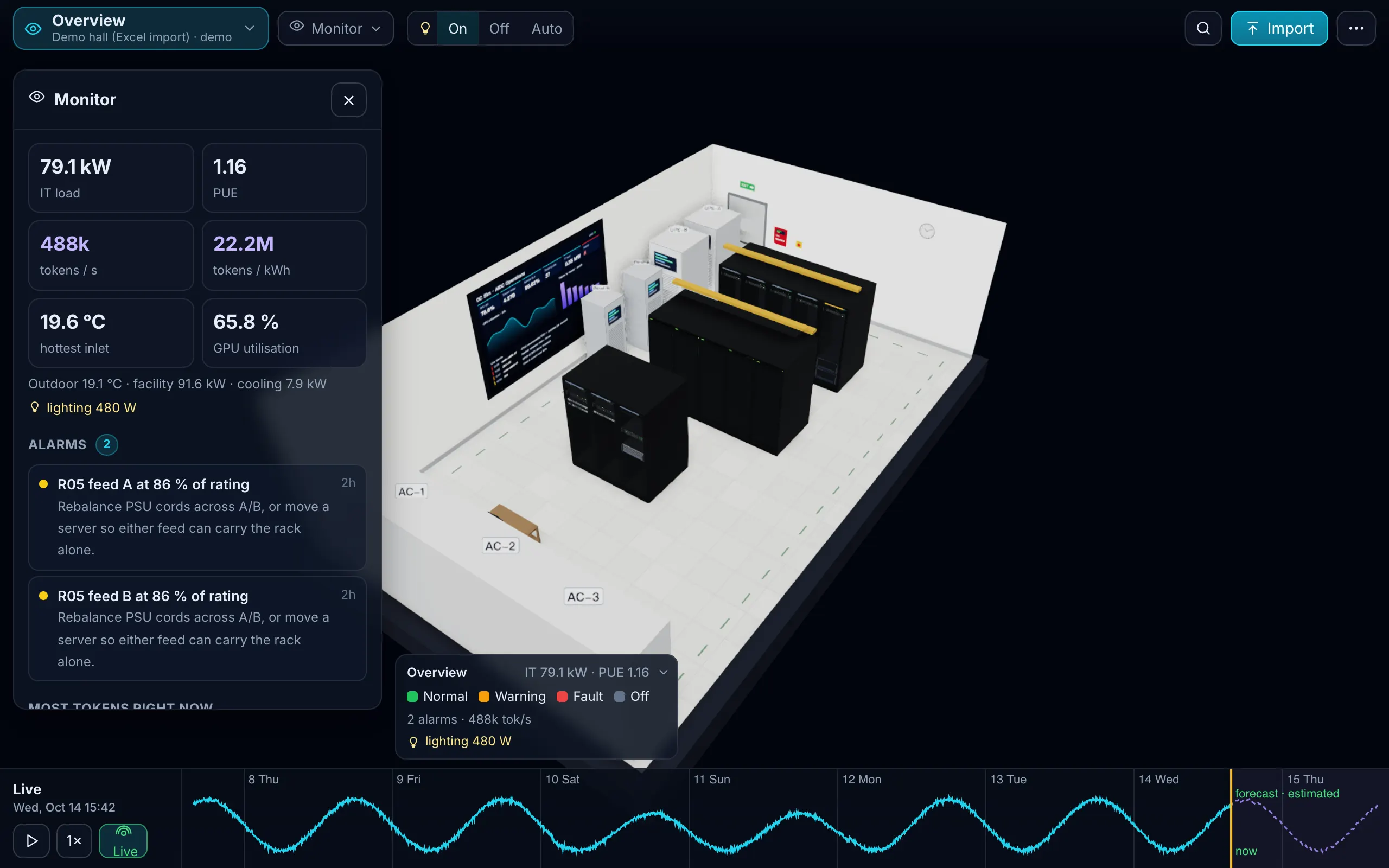
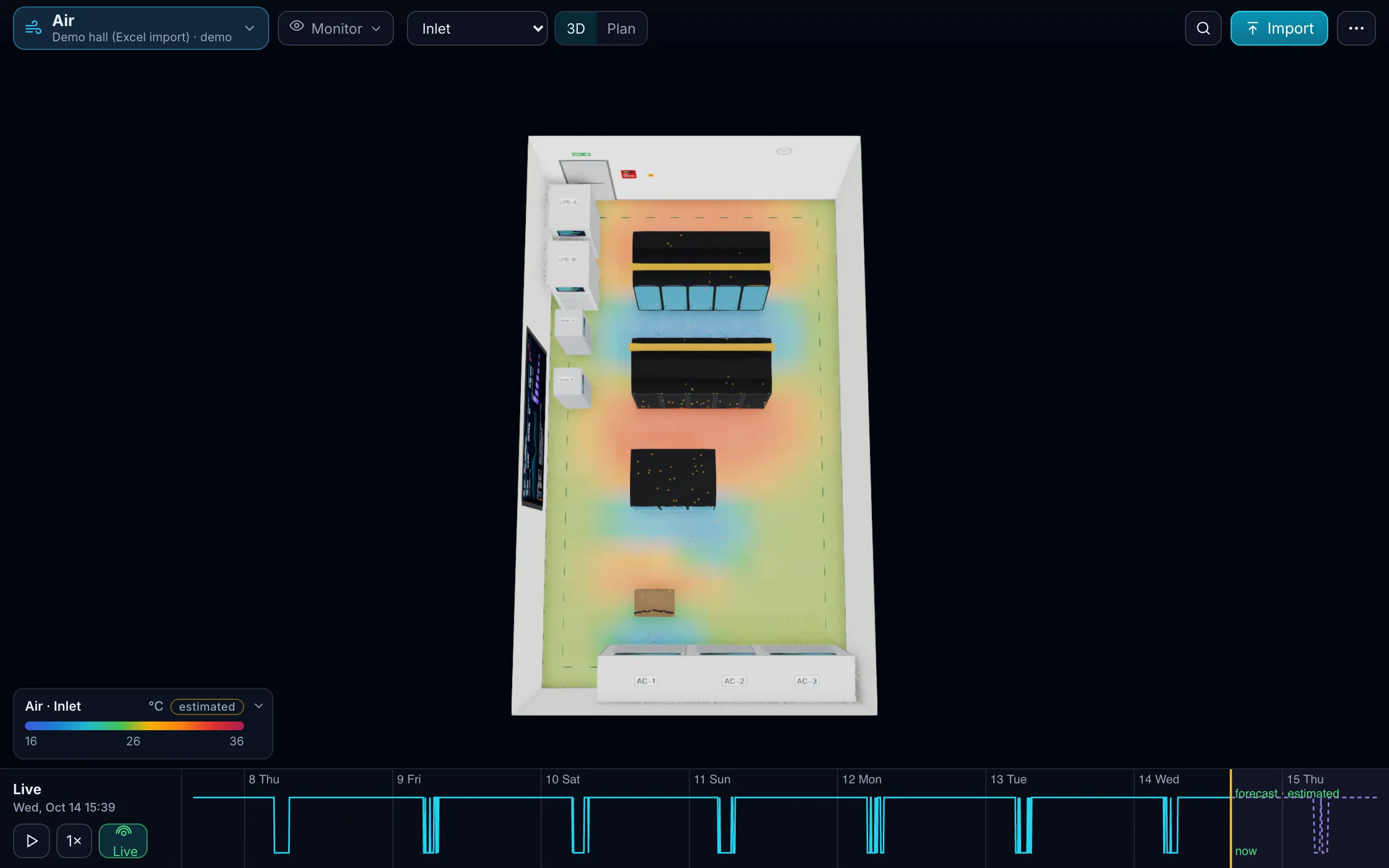
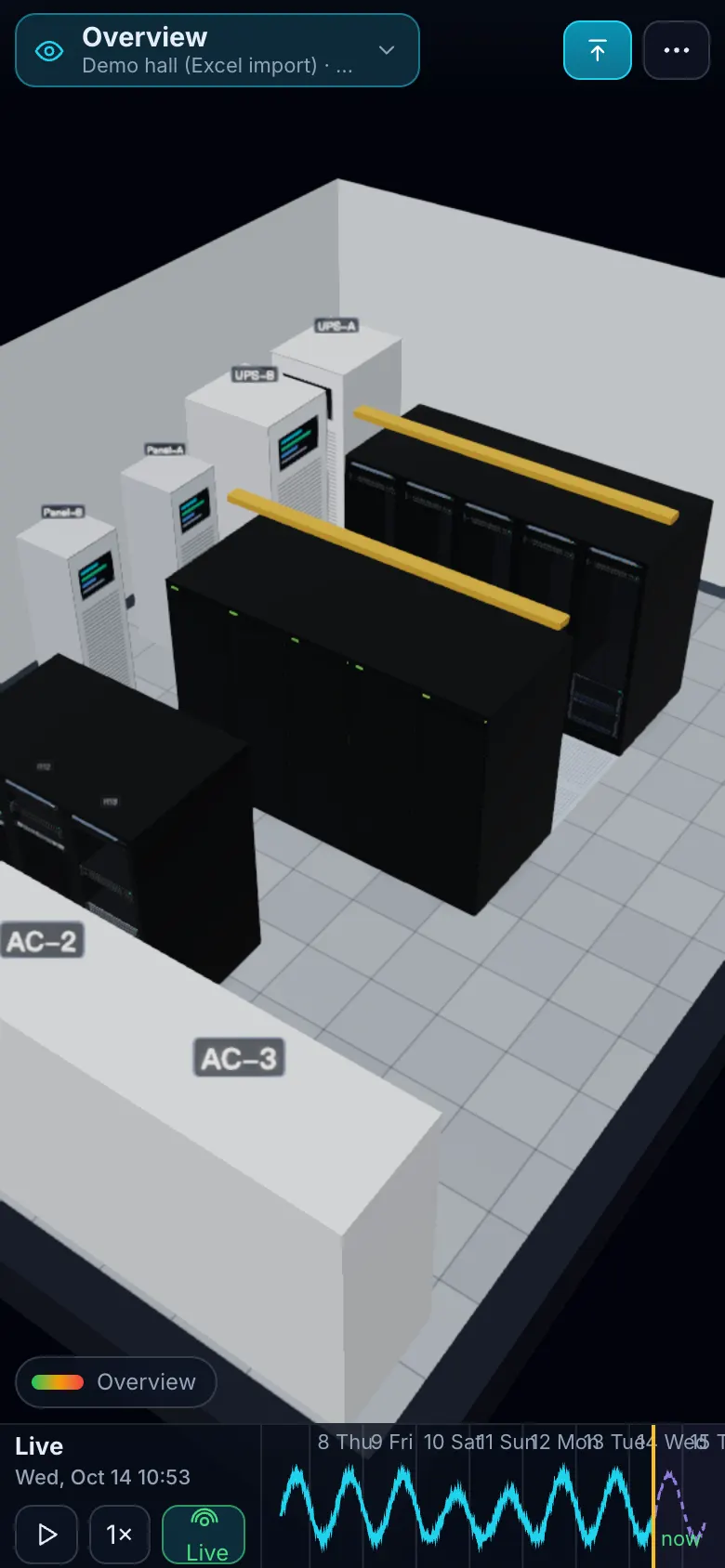
The sample twin is a demo hall built from one Excel file through the same importer customers use: 13 racks in three rows with servers, switches, storage and GPU nodes, a NOC desk with devices outside a rack, A and B PDUs fed by two UPS units behind an ATS, three cooling units and several hundred cables. Download the file, change a row, and that is the file we import in a walkthrough.
What a walkthrough shows
- The demo hall in the browser: the View menu, the time slider, Design, Monitor, Simulate and Replay.
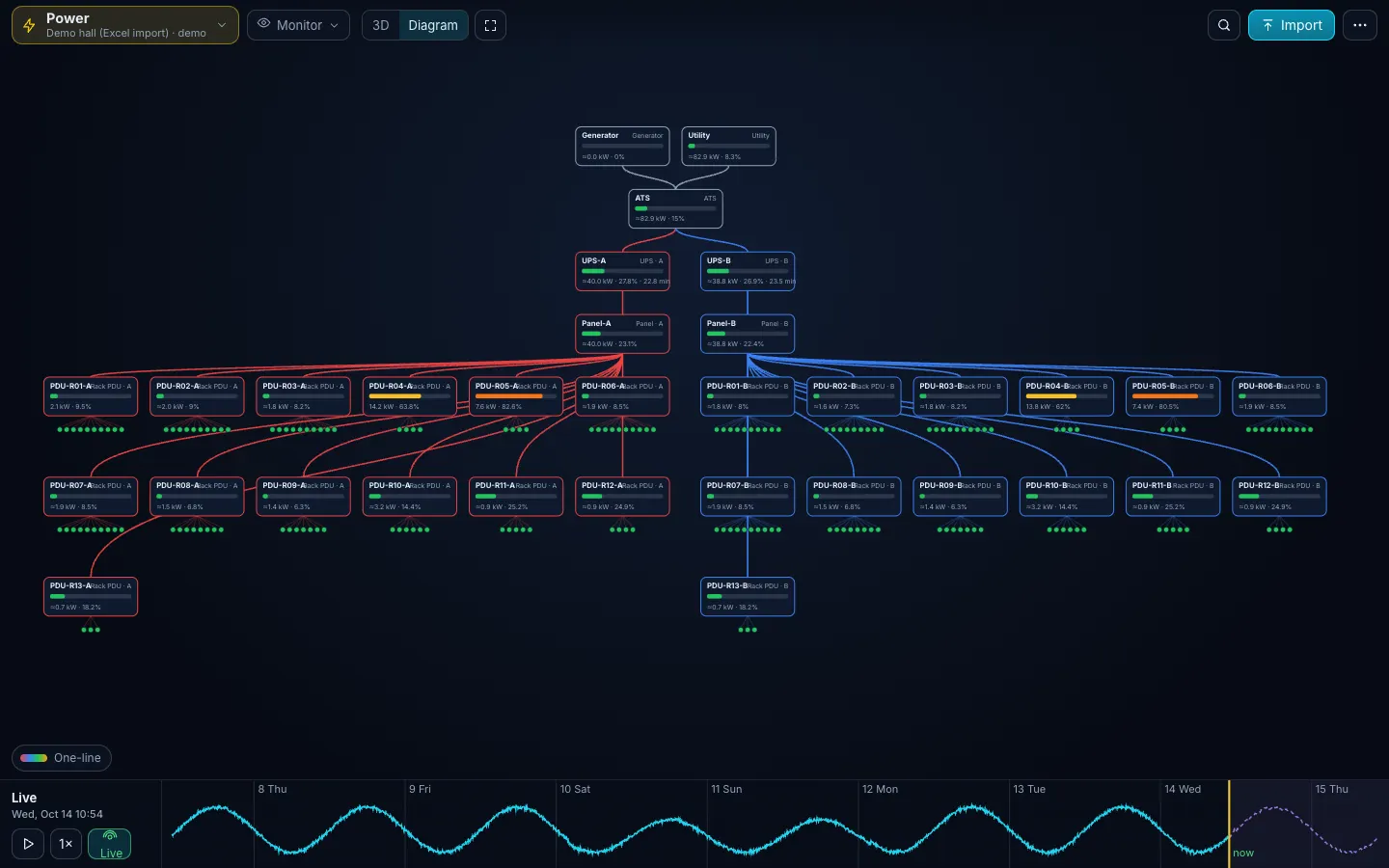
- UPS-A, Fail in the Power diagram: read the banner, then Simulate it for the timeline.
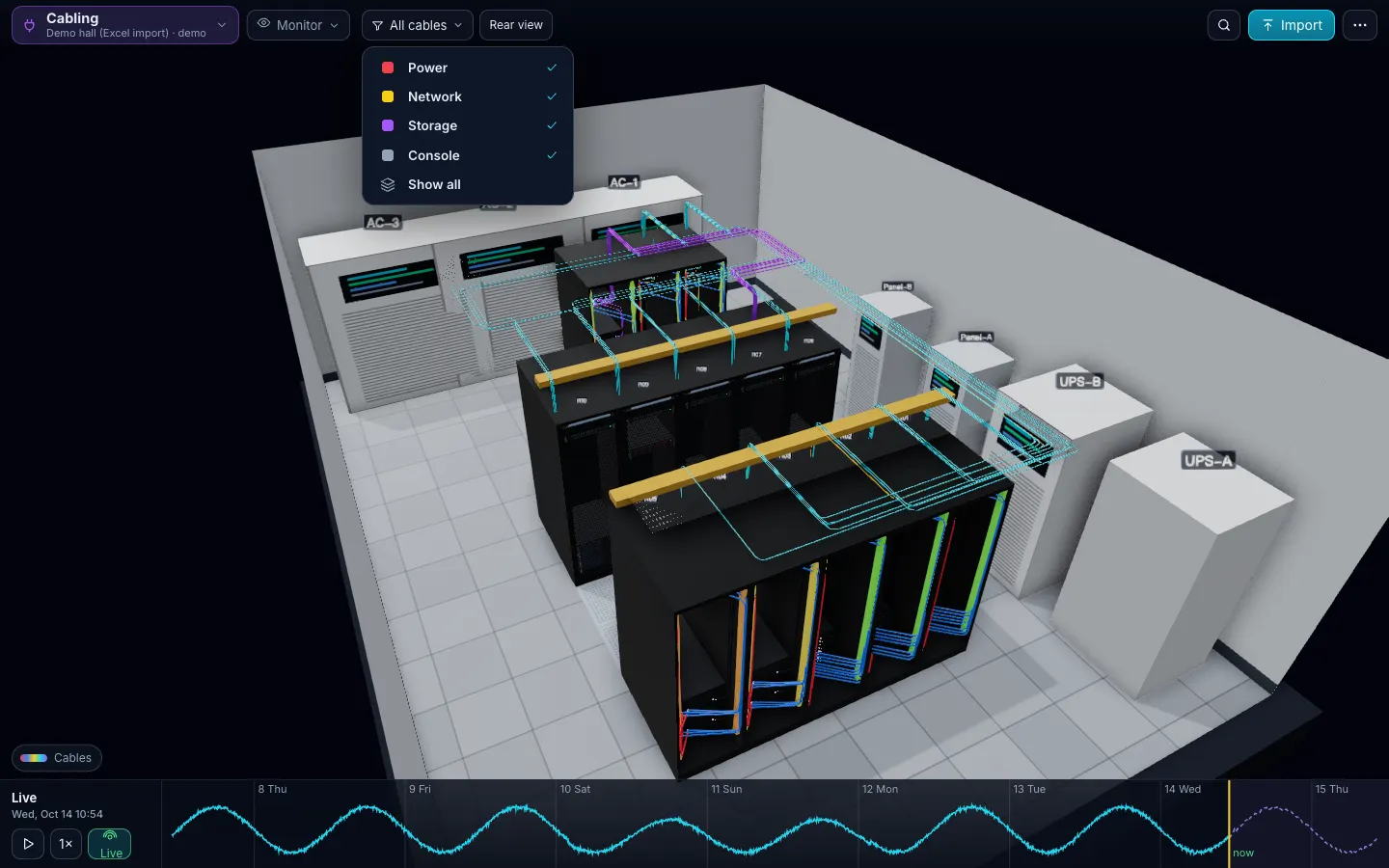
- Cabling: pick a cable and Trace it through the patch panel.
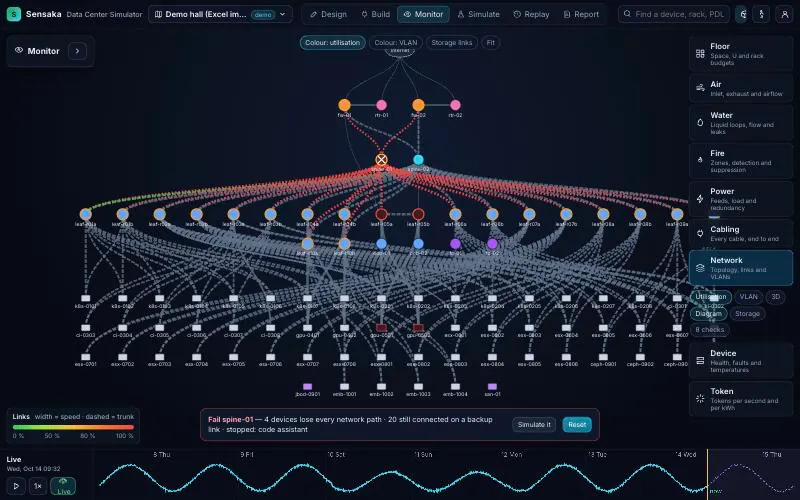
- Network: fail the spine switch and see who keeps a path.
- Device: open a GPU node in its rack and take it apart.
- Then the same with your own file.
Other demo rooms
An edge room (one row, two PDUs, one cooling unit) and a 96-rack hall with a liquid-cooled GPU row (CDU, manifolds, a leak scenario). Partners present from these.
The file
Download demo-hall.xlsx: the filled template behind this twin. Change a row and the change list on re-import shows exactly what moved.
Is the sample real data?
No. It is a synthetic room generated to exercise every layer; the device models in it are real catalog entries.
Can I open the demo myself?
Not publicly. We show the demo rooms, and your own file if you send one, in a walkthrough.
Why does the Air layer say "estimated"?
Because the sample has no real sensors: the zonal model projects temperatures from the cooling capacity and the rack heat, and says so.
One Excel file. Your room in 3D.
Download the import template (v1.3, nine sheets, only Devices required) and the filled example from our demo hall. No form, no email needed, no macros in the files.
Fill in the Devices sheet and send it with your walkthrough request; we import it on the call. What each sheet does